Alternatif Business
Shop owner smiling at counter

Home / Resources / Prompt library / Wellbeing at work

Prompt library · By profession

Wellbeing at work prompts

10 detailed, ready-to-use prompts: organisation, focus, stress and personal development at work. Each prompt explains when to use it, what to replace and an expert tip. They work with ChatGPT, Claude, Gemini, Copilot and other assistants.

10 prompts

WEL-01

Weekly planning ritual

When to use it: Start the week with clarity.

Help me plan my week. Commitments: [list]. Priorities: [list]. Energy pattern: [when I focus best]. Create a weekly plan with focus blocks, admin time, breaks and buffer, and my top 3 outcomes.
Replace before use

[list][when I focus best]

Expert tip

Do it at the same time each week.

WEL-02

Workload triage

When to use it: Decide what to do, delegate, defer or drop.

Here is my task list: [paste]. Sort into do now, schedule, delegate, drop, using urgency and importance. Suggest how to communicate deferrals to the people concerned.

Replace before use

[paste]

Expert tip

Be honest about deadlines that can move.

WEL-03

Saying no politely

When to use it: Protect your time.

Write 3 polite ways to decline [request] from [person], keeping the relationship good and offering an alternative where possible. Under 80 words each.

Replace before use

[request][person]

Expert tip

Offer an alternative when possible.

WEL-04

Stress reflection

When to use it: Understand what drains you at work.

Here is what has been stressful this week: [notes]. Help me reflect: patterns, what is within my control, small changes I could try next week, and one conversation that might help. Practical and kind. If stress feels unmanageable, suggest speaking to a professional.

Replace before use

[notes]

Expert tip

Write freely before asking for structure.

WEL-05

Focus routine

When to use it: Build deep work habits.

Design a daily focus routine for [role] with [constraints]. Include focus blocks, notification settings, a shutdown ritual and how to handle interruptions.

Replace before use

[role][constraints]

Expert tip

Start with one 60-minute block a day.

WEL-06

Career development plan

When to use it: Plan the next step in your career.

My current role: [role]. Skills: [skills]. Interests: [interests]. Goal in 2 years: [goal]. Create a development plan: skills to build, learning resources types, projects to take on, people to meet, and quarterly milestones.

Replace before use

[role][skills][interests][goal]

Expert tip

Base it on skills you enjoy using.

WEL-07

Feedback request

When to use it: Ask for useful feedback.

Write a message asking [colleague/manager] for feedback on [project/skill], with 3 specific questions. Under 90 words.

Replace before use

[colleague/manager][project/skill]

Expert tip

Ask specific questions.

WEL-08

Meeting reduction plan

When to use it: Free time from unnecessary meetings.

Here is my recurring meeting list: [paste]. For each, suggest keep, shorten, replace with async update, or drop, and write a short message proposing the change.

Replace before use

[paste]

Expert tip

Propose alternatives, not just cancellations.

WEL-09

Habit tracker design

When to use it: Build healthy routines.

Help me design 3 small daily habits supporting [goal] at work, with a simple tracker table, cues, and what to do on bad days.

Replace before use

[goal]

Expert tip

Track at most three habits at once.

WEL-10

End-of-day shutdown

When to use it: Disconnect after work.

Create a 10-minute end-of-day shutdown checklist for [role]: review, capture open loops, plan tomorrow's first task, tidy, and a closing ritual.

Replace before use

[role]

Expert tip

Write tomorrow's first task before you stop.

Always review AI output before using it, and never paste confidential or personal data into a tool without checking its data settings. Legal, financial and health outputs are general information, not professional advice.

More prompt categories

Keep exploring

Go further

Turn the idea into a business.

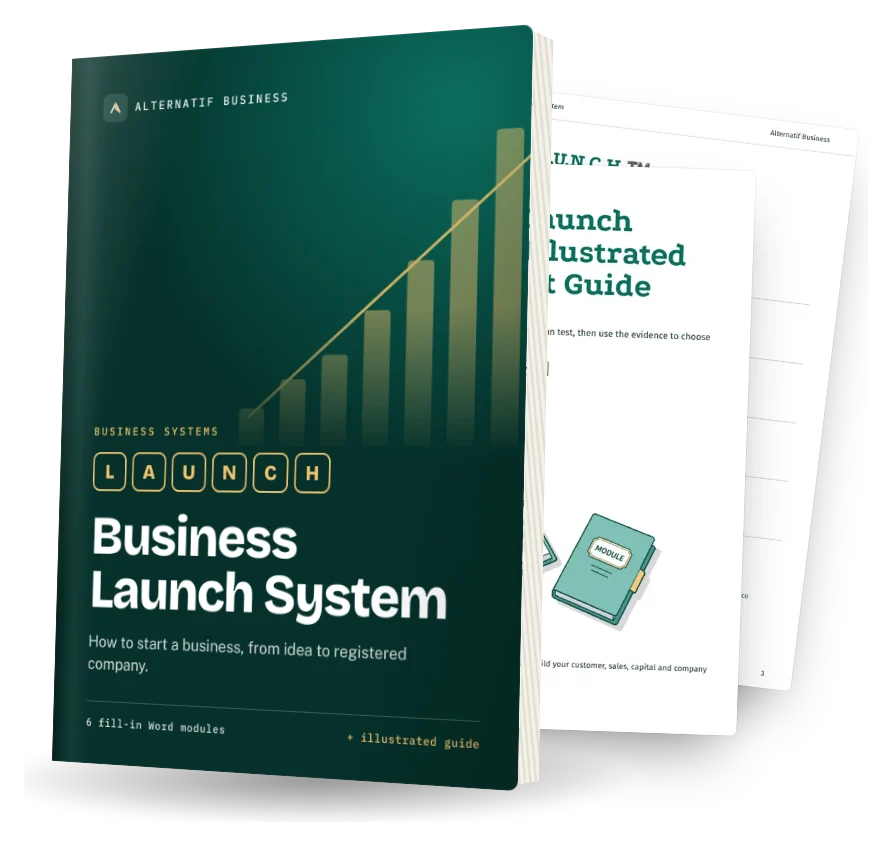
The Business Launch System helps you test it and set it up. The Self-Funding Client System helps you find clients. Both are fill-in Word systems.

Business Launch System cover: fill-in Word modules and illustrated quick-start guide