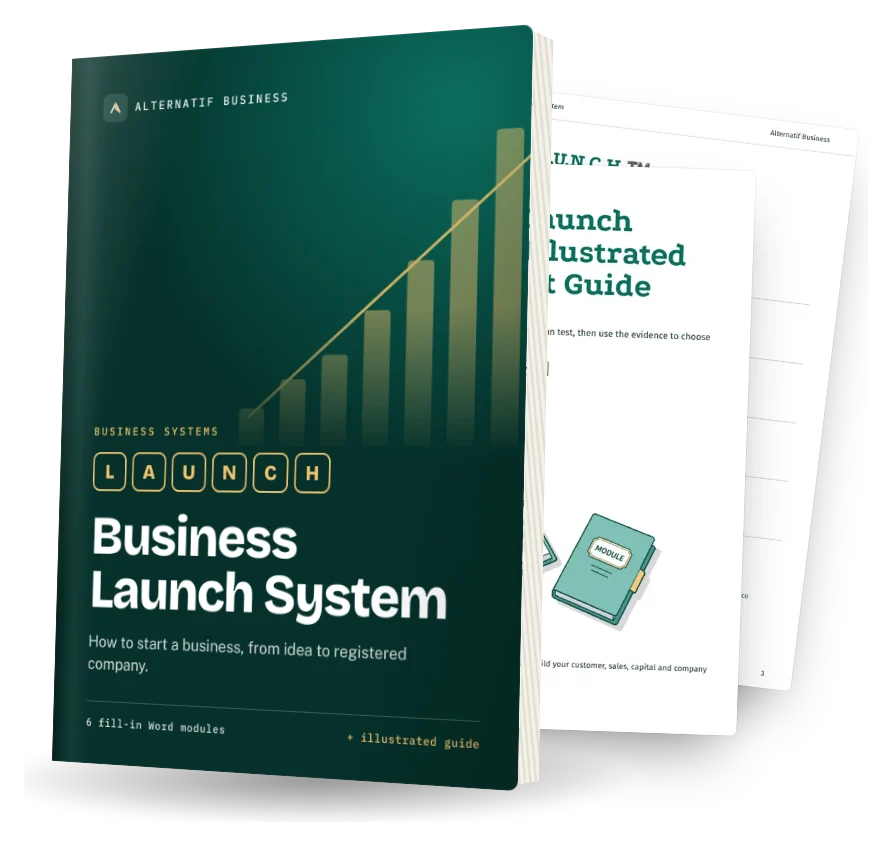
12 detailed, ready-to-use prompts: articles, editing, storytelling and content formats. Each prompt explains when to use it, what to replace and an expert tip. They work with ChatGPT, Claude, Gemini, Copilot and other assistants.
12 prompts
WRI-01
Article from a brief
When to use it: Draft a strong article from a clear brief.
Write an article for [audience] answering: [question]. Answer it directly in the first paragraph. Use descriptive subheadings, short paragraphs, one practical example per section and a conclusion with next steps. Length: [words]. Tone: [tone]. Mark places where I should add my own example with [MY EXAMPLE].
Replace before use
[audience][question][words][tone][MY EXAMPLE]
Expert tip
Add your own examples and data after the draft.
WRI-02
Editing pass
When to use it: Improve clarity without changing meaning.
Edit this text for clarity and concision without changing the meaning: [paste]. Cut unnecessary words, simplify long sentences, fix grammar, keep my voice. Then list the 5 most important changes you made.
Replace before use
[paste]
Expert tip
Ask for a list of changes so you stay in control.
WRI-03
Headline options
When to use it: Find a stronger title.
Write 15 headline options for this article: [summary]. Mix formats: how-to, number, question, benefit, and contrarian. Under 65 characters each. Mark the 3 you would test first.
Replace before use
[summary]
Expert tip
Choose clarity over cleverness.
WRI-04
Content repurposing
When to use it: Get more value from one piece.
Repurpose this content into: a LinkedIn post, an email newsletter section, 5 short social posts, a 60-second video script and an FAQ of 5 questions. Keep the key message consistent. Content: [paste].
Replace before use
[paste]
Expert tip
Adapt to each channel's format, do not copy-paste.
WRI-05
Storytelling structure
When to use it: Turn a case into a story.
Turn this client case into a short story for [channel]: [facts]. Structure: situation, problem, turning point, what we did, result, lesson. Under 300 words. Keep all facts accurate; do not invent numbers.
Replace before use
[channel][facts]
Expert tip
Real details make stories believable.
WRI-06
Style guide
When to use it: Keep a consistent voice across writers.
From these examples of our writing [paste], create a style guide: voice in 3 adjectives, sentence length, words to use and avoid, formatting rules, examples of do and don't. One page.
Replace before use
[paste]
Expert tip
Paste examples of texts you like.
WRI-07
Interview to article
When to use it: Turn an expert interview into content.
Turn this interview transcript into an article for [audience]: [paste]. Keep the expert's key ideas and 3 to 5 exact quotes, add subheadings, and remove repetition. Note any statement that should be fact-checked.
Replace before use
[audience][paste]
Expert tip
Ask the expert to validate quotes.
WRI-08
Case study
When to use it: Show proof with a client story.
Write a case study about [client] using these facts: [facts and numbers]. Structure: summary box, challenge, solution, results with numbers, client quote [quote], what's next. Under 600 words.
Replace before use
[client][facts and numbers][quote]
Expert tip
Get the client's approval before publishing.
WRI-09
Newsletter ideas
When to use it: Never run out of topics.
Generate 30 newsletter topic ideas for [audience] of [business], grouped into 5 themes. For each: a working title and a one-line angle. Prioritise topics that answer common customer questions.
Replace before use
[audience][business]
Expert tip
Mine customer questions for ideas.
WRI-10
Proofreading checklist
When to use it: Catch errors before publishing.
Proofread this text and return a table of issues: location, problem (spelling, grammar, consistency, factual claim to check, unclear sentence), suggested fix. Do not rewrite the whole text. Text: [paste].
Replace before use
[paste]
Expert tip
Read the final version aloud.
WRI-11
Readability rewrite
When to use it: Make complex text easy to read.
Rewrite this text for [audience] at a simple reading level: [paste]. Short sentences, common words, explain any necessary technical term, keep all facts. Add a 3-line summary at the top.
Replace before use
[audience][paste]
Expert tip
Specify the reading level of your audience.
WRI-12
Long-form outline
When to use it: Plan an ebook or white paper.
Create a detailed outline for a [ebook / white paper] on [topic] for [audience]: title options, chapters with goals, key points and examples per chapter, and calls to action. Target length: [pages].
Replace before use
[ebook / white paper][topic][audience][pages]
Expert tip
Validate the outline before drafting chapters.
No prompt matches. Try another word.
Always review AI output before using it, and never paste confidential or personal data into a tool without checking its data settings. Legal, financial and health outputs are general information, not professional advice.