alternatifbusiness
Corporate team looking at future digital city

Home / Resources / Prompt library / Mini-apps & interactive tools

Prompt library · By AI task

Mini-apps & interactive tools prompts

10 detailed, ready-to-use prompts: calculators, small tools and interactive pages built with AI. Each prompt explains when to use it, what to replace and an expert tip. They work with ChatGPT, Claude, Gemini, Copilot and other assistants.

10 prompts

APP-01

Interactive calculator

When to use it: Build a simple calculator for your website.

Build a single-file HTML calculator for [purpose]. Inputs: [list with units and defaults]. Formulas: [formulas]. Show results instantly, validate inputs, work on mobile, and use a clean design with [brand colour]. No external libraries.
Replace before use

[purpose][list with units and defaults][formulas][brand colour]

Expert tip

Define formulas clearly before asking.

APP-02

Quiz or assessment tool

When to use it: Create an interactive quiz for leads or learners.

Build an interactive quiz in a single HTML file on [topic] with [number] questions. Show one question at a time, give feedback, calculate a score and display a result profile with a recommendation. Accessible and mobile-friendly.

Replace before use

[topic][number]

Expert tip

Keep it under 10 questions.

APP-03

Checklist app

When to use it: Turn a process into an interactive checklist.

Create a single-page interactive checklist for [process] with sections, checkboxes, progress bar and a print button. Data: [list items].

Replace before use

[process][list items]

Expert tip

Group items by phase.

APP-04

Dashboard from data

When to use it: Visualise numbers quickly.

Create a simple dashboard from this data [paste CSV]: 3 key figures, 2 charts, a filter by [field], and a short automatic summary. Single HTML file using a common chart library from a CDN.

Replace before use

[paste CSV][field]

Expert tip

Paste clean data with headers.

APP-05

Landing page prototype

When to use it: Test an offer with a quick page.

Build a responsive landing page in one HTML file for [offer] for [audience]: hero, benefits, how it works, FAQ and a sign-up form placeholder. Modern, accessible, fast.

Replace before use

[offer][audience]

Expert tip

One goal and one call to action.

APP-06

Flashcards

When to use it: Help learners memorise.

Build an interactive flashcard tool in one HTML file with these cards: [paste question-answer pairs]. Flip on click, shuffle, mark known, and show progress.

Replace before use

[paste question-answer pairs]

Expert tip

Keep one idea per card.

APP-07

Price comparison table

When to use it: Present offers clearly.

Create a responsive pricing comparison table in HTML/CSS for these plans: [paste]. Highlight [plan], include a monthly/annual toggle and accessible markup.

Replace before use

[paste][plan]

Expert tip

Highlight the recommended option.

APP-08

Simple form with validation

When to use it: Collect information correctly.

Build an accessible form in HTML/JS for [purpose] with fields [list], inline validation, helpful error messages and a success message. No data is sent anywhere; mark where to connect a backend.

Replace before use

[purpose][list]

Expert tip

Show errors next to fields.

APP-09

Timeline or roadmap view

When to use it: Show a plan visually.

Create a visual timeline in one HTML file for [project] with these milestones: [paste]. Highlight the current phase and make it readable on mobile.

Replace before use

[project][paste]

Expert tip

Keep labels short.

APP-10

Decision helper

When to use it: Help visitors choose an option.

Build a small decision tool in HTML/JS that asks [number] questions and recommends one of these options [options] based on these rules: [rules]. Explain the recommendation to the user.

Replace before use

[number][options][rules]

Expert tip

Base rules on real criteria.

Always review AI output before using it, and never paste confidential or personal data into a tool without checking its data settings. Legal, financial and health outputs are general information, not professional advice.

More prompt categories

Keep exploring

Go further

Turn the idea into a business.

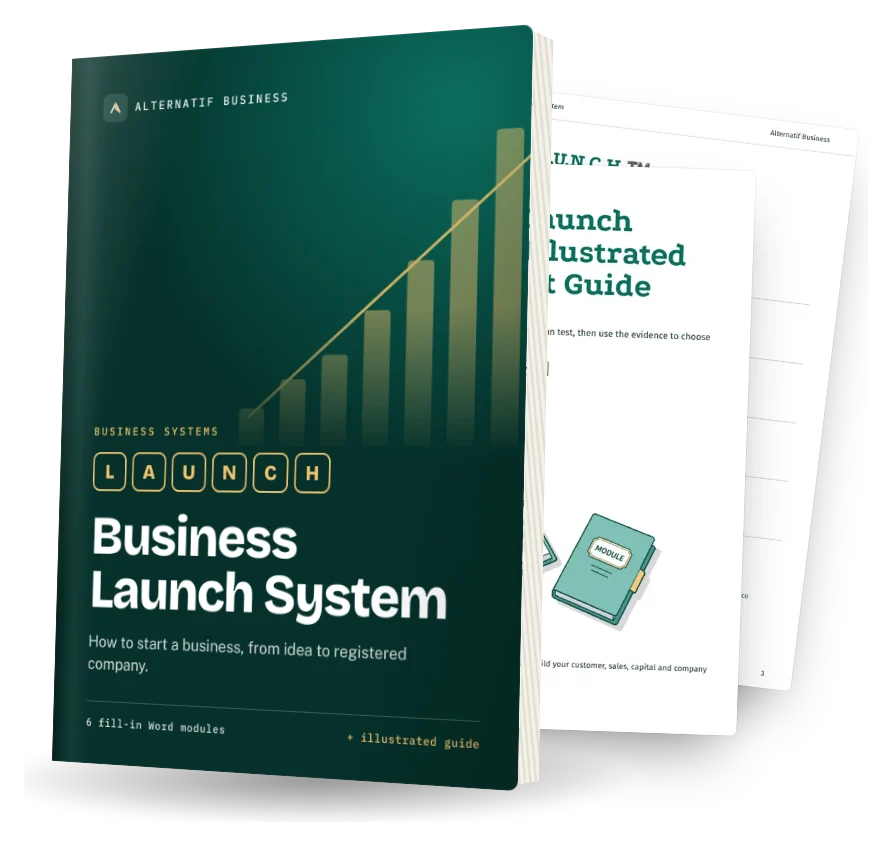
The Business Launch System helps you test it and set it up. The Self-Funding Client System helps you find clients. Both are fill-in Word systems.

Business Launch System cover: fill-in Word modules and illustrated quick-start guide