Alternatif Business
Humanoid robot assisting office professional with

Home / Resources / Prompt library / Agents & automation

Prompt library · By AI task

Agents & automation prompts

10 detailed, ready-to-use prompts: workflows, agents and integrations with AI. Each prompt explains when to use it, what to replace and an expert tip. They work with ChatGPT, Claude, Gemini, Copilot and other assistants.

10 prompts

AUT-01

Automation opportunity scan

When to use it: Find tasks worth automating.

Here is a list of our recurring tasks with frequency and time [paste]. Rank automation opportunities by time saved, ease and risk, and suggest the tool type and a first workflow for the top 3.
Replace before use

[paste]

Expert tip

Start with frequent, rule-based tasks.

AUT-02

Workflow design

When to use it: Plan an automation before building it.

Design an automation for [task] using [Make / Zapier / n8n]. Describe the trigger, each step with app and action, data mapping, error handling, notifications and how to test it.

Replace before use

[task][Make / Zapier / n8n]

Expert tip

Draw it as trigger, steps, result.

AUT-03

AI agent instructions

When to use it: Write instructions for an AI agent.

Write system instructions for an AI agent that [goal] for [business]. Include role, tasks, tools it can use, step-by-step process, rules, what to escalate to a human, what it must never do, and tone.

Replace before use

[goal][business]

Expert tip

Define what it must never do.

AUT-04

Email triage rules

When to use it: Sort incoming emails automatically.

Design rules for an AI to classify incoming emails for [business] into categories [list], with examples for each, priority levels, and suggested reply templates.

Replace before use

[business][list]

Expert tip

Keep a human in the loop for sensitive messages.

AUT-05

Lead qualification flow

When to use it: Qualify leads automatically.

Create a lead qualification workflow: form questions, scoring rules, routing (hot, warm, cold), automatic replies and CRM updates for [business].

Replace before use

[business]

Expert tip

Score on a few clear criteria.

AUT-06

Document processing pipeline

When to use it: Extract data from documents.

Design a pipeline to extract [fields] from [documents type] using AI, with validation rules, a review step for low-confidence results and export to [destination].

Replace before use

[fields][documents type][destination]

Expert tip

Validate a sample manually each week.

AUT-07

Agent test cases

When to use it: Test an AI agent before launch.

Write 20 test cases for an AI agent that [goal]: normal requests, edge cases, ambiguous requests, off-topic and inappropriate requests, with the expected behaviour for each.

Replace before use

[goal]

Expert tip

Include tricky and off-topic requests.

AUT-08

Automation documentation

When to use it: Make automations maintainable.

Write documentation for this automation [describe]: purpose, owner, trigger, steps, connected accounts, data handled, failure alerts, how to pause it and how to change it.

Replace before use

[describe]

Expert tip

Document while building.

AUT-09

Integration via API

When to use it: Connect two tools.

Explain how to connect [tool A] to [tool B] to [goal] using their APIs or a no-code platform. Include authentication steps, endpoints or modules, data mapping and limits to watch.

Replace before use

[tool A][tool B][goal]

Expert tip

Use test accounts first.

AUT-10

Weekly report automation

When to use it: Get reports without manual work.

Design an automation that collects [metrics] from [sources] every Monday, asks AI to summarise changes, and emails a one-page report to [people]. Include the summary prompt.

Replace before use

[metrics][sources][people]

Expert tip

Send to a small group first.

Always review AI output before using it, and never paste confidential or personal data into a tool without checking its data settings. Legal, financial and health outputs are general information, not professional advice.

More prompt categories

Keep exploring

Go further

Turn the idea into a business.

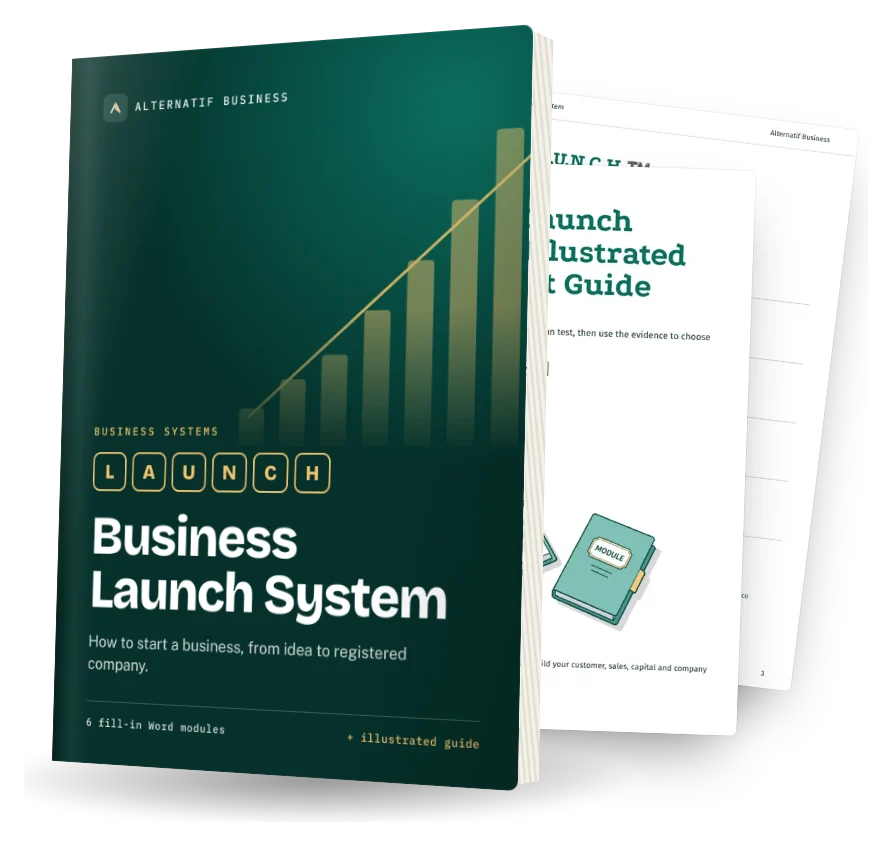
The Business Launch System helps you test it and set it up. The Self-Funding Client System helps you find clients. Both are fill-in Word systems.

Business Launch System cover: fill-in Word modules and illustrated quick-start guide