alternatifbusiness
Legal professionals discussing contract with gavel

Home / Resources / Prompt library / Legal

Prompt library · By profession

Legal prompts

10 detailed, ready-to-use prompts: contracts, compliance and legal documents, always reviewed by a qualified professional. Each prompt explains when to use it, what to replace and an expert tip. They work with ChatGPT, Claude, Gemini, Copilot and other assistants.

10 prompts

LEG-01

Contract summary

When to use it: Understand a contract quickly.

Summarise this contract for a non-lawyer: [paste]. Give: parties, purpose, duration and renewal, payment terms, obligations of each party, termination conditions, liability and penalties, and unusual or risky clauses. Mark anything that needs a lawyer's review with [CHECK]. Do not provide legal advice.
Replace before use

[paste][CHECK]

Expert tip

This is not legal advice; ask a lawyer to confirm important points.

LEG-02

Clause comparison

When to use it: Compare two versions of a contract.

Compare these two versions of a contract and list every change in a table: clause, version A, version B, practical impact for [our side]. Highlight changes that increase our risk. Version A: [paste] Version B: [paste].

Replace before use

[our side][paste]

Expert tip

Paste both versions in full.

LEG-03

Terms of service draft

When to use it: Prepare a first draft for review.

Draft plain-language terms of service for [business] offering [service] to [customer type] in [country/region]. Include scope, ordering, payment, delivery, cancellations and refunds, intellectual property, liability limits, data protection reference, and disputes. Mark country-specific points with [CHECK LOCAL LAW].

Replace before use

[business][service][customer type][country/region][CHECK LOCAL LAW]

Expert tip

Always have the final version checked locally.

LEG-04

Privacy notice outline

When to use it: Structure a privacy notice.

Create a privacy notice outline for [business]. Data we collect: [list]. Purposes: [list]. Tools and processors: [list]. Include: who is responsible, legal bases, retention, rights of individuals and how to exercise them, international transfers and contact. Mark points to check under [applicable law].

Replace before use

[business][list][applicable law]

Expert tip

Map your data flows first.

LEG-05

Compliance checklist

When to use it: Check obligations for an activity.

Create a compliance checklist for [activity] in [country/region]. Group by topic (registration, tax, consumer protection, data protection, sector rules). For each item: what to check, where to verify (type of official source), and priority. State clearly that this is general information, not legal advice.

Replace before use

[activity][country/region]

Expert tip

Use official sources to verify each point.

LEG-07

Due diligence questions

When to use it: Prepare questions before a partnership or purchase.

List the due diligence questions to ask before [partnership / acquisition / supplier contract] with [company type]. Group by: legal structure, contracts, finance, data protection, employees, intellectual property, disputes. Indicate which documents to request for each group.

Replace before use

[company type]

Expert tip

Ask for documents, not just answers.

LEG-08

NDA review checklist

When to use it: Review a non-disclosure agreement.

Review this NDA from the point of view of [party]: [paste]. Check: definition of confidential information, exclusions, duration, permitted disclosures, return or destruction, remedies, governing law. List clauses to negotiate and suggested wording, marked [CHECK WITH LAWYER].

Replace before use

[party][paste][CHECK WITH LAWYER]

Expert tip

Check the definition of confidential information first.

LEG-10

Dispute timeline

When to use it: Organise facts in a dispute.

From these notes and emails [paste], build a chronological timeline of the dispute with date, event, people involved, evidence reference and open questions. Then summarise each party's position neutrally.

Replace before use

[paste]

Expert tip

Attach evidence references to each event.

Always review AI output before using it, and never paste confidential or personal data into a tool without checking its data settings. Legal, financial and health outputs are general information, not professional advice.

More prompt categories

Keep exploring

Go further

Turn the idea into a business.

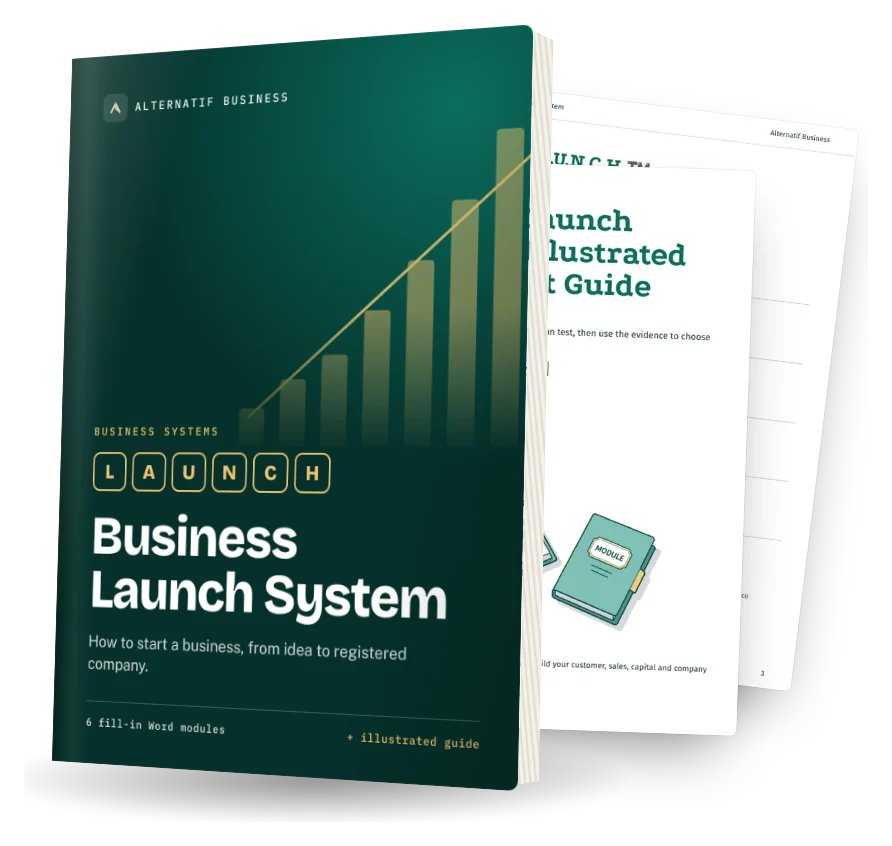
The Business Launch System helps you test it and set it up. The Self-Funding Client System helps you find clients. Both are fill-in Word systems.

Business Launch System cover: fill-in Word modules and illustrated quick-start guide