alternatifbusiness
Professional woman presenting a keynote speech to

Home / Resources / Prompt library / Communication & PR

Prompt library · By profession

Communication & PR prompts

10 detailed, ready-to-use prompts: press releases, media, crisis and internal communication. Each prompt explains when to use it, what to replace and an expert tip. They work with ChatGPT, Claude, Gemini, Copilot and other assistants.

10 prompts

COM-01

Press release

When to use it: Announce news to the media.

Write a press release about [news] for [organisation]. Include headline, subheading, dateline, lead paragraph with who-what-when-where-why, quote from [spokesperson] (placeholder), supporting details, boilerplate and media contact.
Replace before use

[news][organisation][spokesperson]

Expert tip

Put the news in the first sentence.

COM-02

Media pitch email

When to use it: Pitch a story to a journalist.

Write a short pitch to [journalist] at [media] about [story]. Explain why it matters to their readers now, offer data or an interview, under 150 words, with a clear subject line.

Replace before use

[journalist][media][story]

Expert tip

Personalise to the journalist's recent work.

COM-03

Key messages

When to use it: Align spokespeople.

Develop 3 key messages for [topic/event] for [audience], each with supporting proof points and an example, plus 5 likely questions and answers.

Replace before use

[topic/event][audience]

Expert tip

Three messages maximum.

COM-04

Crisis holding statement

When to use it: Respond quickly to an incident.

Write a holding statement about [incident]. Acknowledge, express concern, state known facts only, explain actions being taken, and when the next update will come. Under 120 words.

Replace before use

[incident]

Expert tip

Never speculate; state what you know and what you are doing.

COM-05

Q&A preparation

When to use it: Prepare for an interview.

Prepare [spokesperson] for an interview about [topic]: 12 likely questions including difficult ones, suggested answers aligned with our key messages, and bridging phrases.

Replace before use

[spokesperson][topic]

Expert tip

Practise the difficult questions first.

COM-06

Internal newsletter

When to use it: Keep employees informed.

Write an internal newsletter for [organisation] with: leadership message, 3 news items, a team spotlight, upcoming dates and a question for employees. Friendly tone, under 500 words.

Replace before use

[organisation]

Expert tip

Feature people, not only announcements.

COM-07

Event communication plan

When to use it: Promote an event.

Create a communication plan for [event] on [date]: audiences, messages, channels, timeline of announcements and reminders, and post-event follow-up.

Replace before use

[event][date]

Expert tip

Plan reminders for registrants.

COM-08

Speech draft

When to use it: Write a short speech.

Write a [minutes]-minute speech for [speaker] at [occasion]. Key messages: [messages]. Include a personal opening, three points with stories, and a memorable close.

Replace before use

[minutes][speaker][occasion][messages]

Expert tip

Write for the ear: short sentences.

COM-09

Social media response guidelines

When to use it: Respond consistently online.

Create guidelines for responding to comments on [platforms] for [organisation]: tone, response times, types of comments and how to respond, when to escalate, and examples.

Replace before use

[platforms][organisation]

Expert tip

Define when to take a conversation private.

COM-10

Annual report narrative

When to use it: Tell the year's story.

Write the narrative sections of an annual report for [organisation] from these facts: [paste]. Include a message from leadership, highlights, impact with figures, challenges and outlook.

Replace before use

[organisation][paste]

Expert tip

Use real figures and verified achievements.

Always review AI output before using it, and never paste confidential or personal data into a tool without checking its data settings. Legal, financial and health outputs are general information, not professional advice.

More prompt categories

Keep exploring

Go further

Turn the idea into a business.

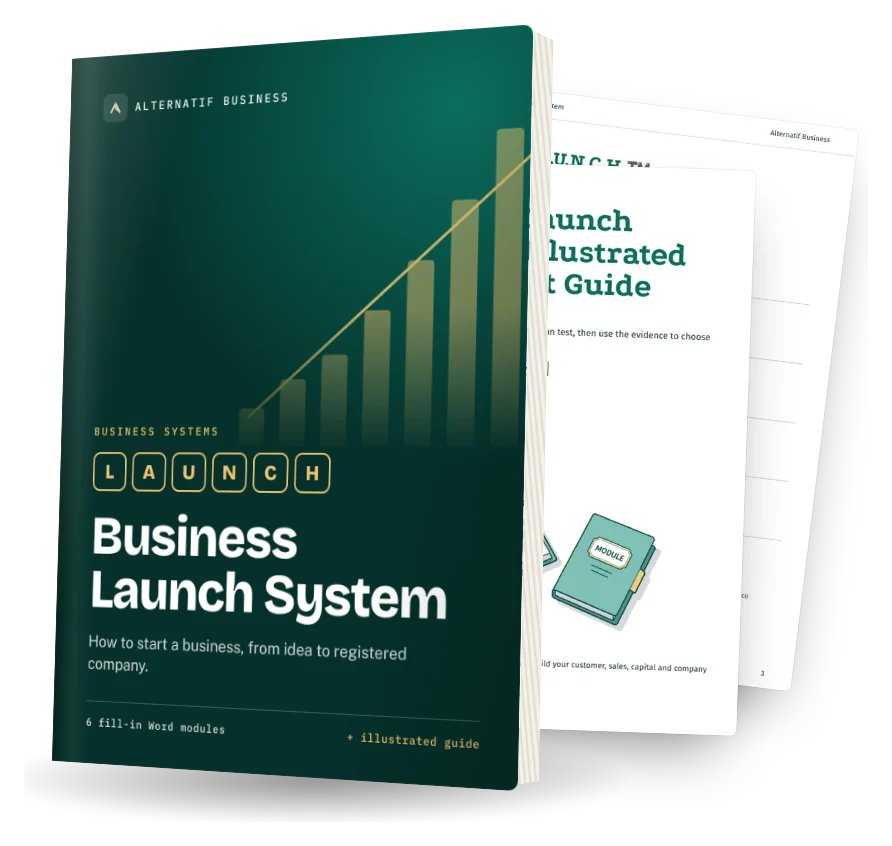
The Business Launch System helps you test it and set it up. The Self-Funding Client System helps you find clients. Both are fill-in Word systems.

Business Launch System cover: fill-in Word modules and illustrated quick-start guide